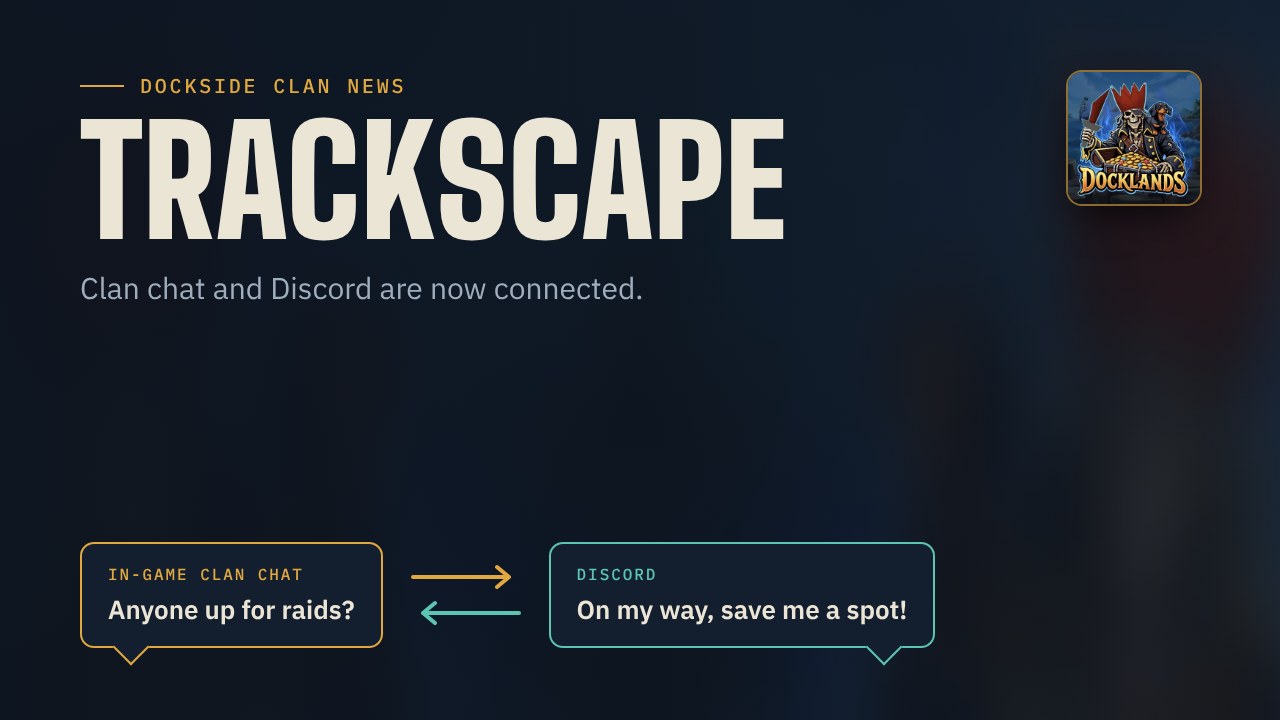
Our in-game clan chat and the Discord now talk to each other, in both directions.
What happens where?
- Clan chat channel: the Dockside clan chat, live in Discord. Whatever you write here also shows up in game.
- Drops and achievements channel: drops from 100k, pets, quests, diaries and other clan achievements.
How to join in (2 minutes)
- Open the Plugin Hub in RuneLite and install TrackScape Connector.
- Enter the verification code in the plugin settings. You will find the code in the announcement on our Discord.
- Want to see Discord messages in game? Tick the Discord messages checkbox in the same plugin settings. Without it, you only send to Discord but don’t see replies.
- Join the Dockside clan chat. Done.
Important
This runs through players’ clients, not through a server. The more of you have the plugin enabled, the more reliable it gets. If nobody with the plugin is online, the Discord stays quiet.
Questions? Just open a ticket in our ticket channel.